If you want to add a skill from a marketplace , you need to add the marketplace first.
/plugin marketplaces add claude-plugins-official
Once the marketplace is added, browse and install a plugin from the Discover tab.
![Screenshot of the Claude Code plugin browser on the Discover tab, tabs reading “Plugins Discover Installed Marketplaces Errors”, heading “Discover plugins (1/255)” with a “Search…” box, listing: “frontend-design · claude-plugins-official · 1M installs — Create distinctive, production-grade frontend interfaces wi…”, “superpowers · claude-plugins-official · 913.9K installs — Superpowers teaches Claude brainstorming, subagent driven d…”, “code-review · claude-plugins-official · 404.3K installs — Automated code review for pull requests using multiple spec…”, “context7 · claude-plugins-official [Community Managed] · 392.8K installs — Upstash Context7 MCP server for up-to-date documentation lo…”, “skill-creator · claude-plugins-official · 347.5K installs — Create new skills, improve existing skills, and measure ski…”, “↓ more below”](/posts/2026/07/13/adding-skills-from-a-marketplace-in-claude-code/image-2.png) It will ask you a question about the scope of the plugin. Select the one appropriate for your use.
It will ask you a question about the scope of the plugin. Select the one appropriate for your use.
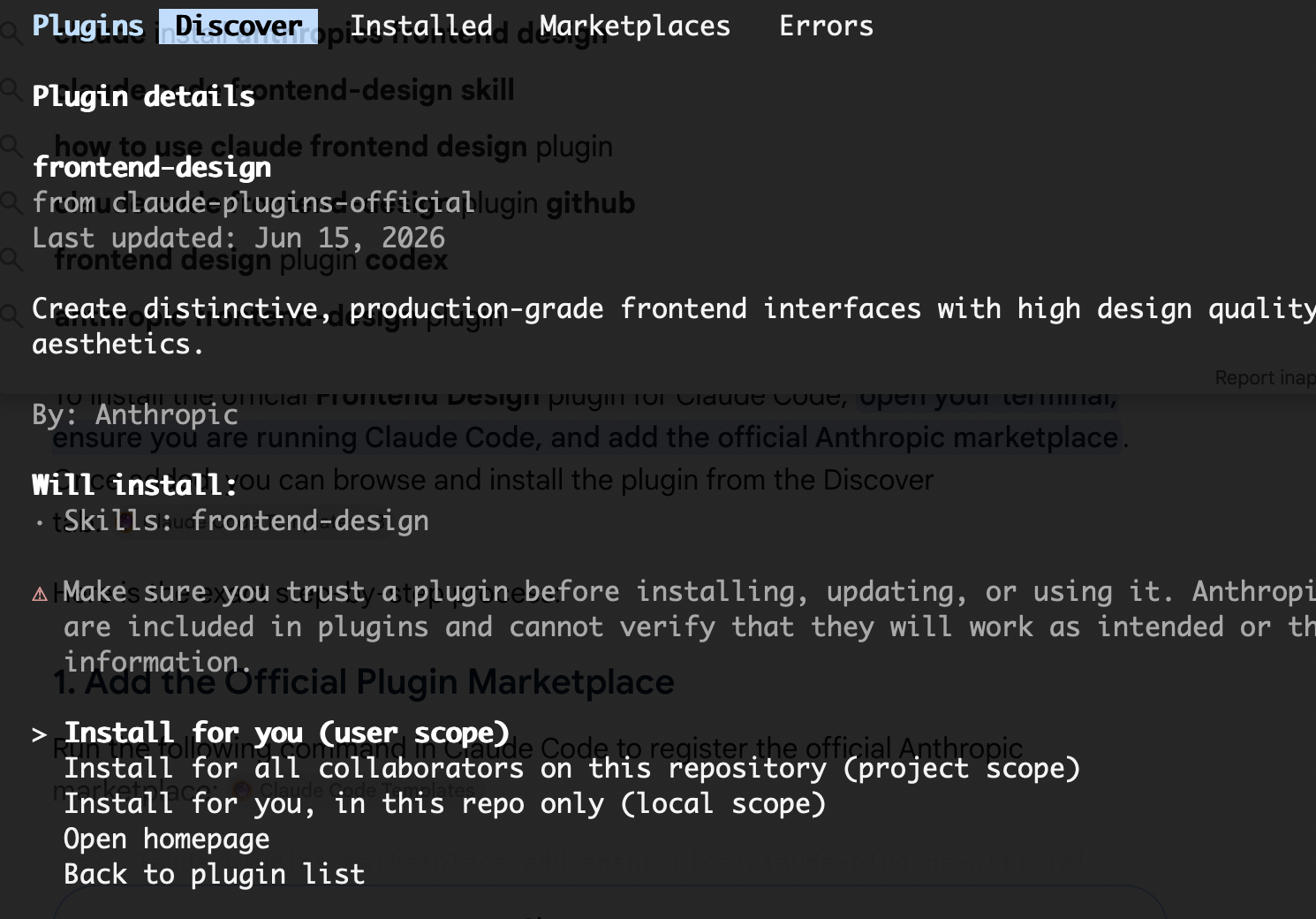
After this run /reload-plugins to apply.
/reload-plugins

Reloaded: 1 plugin · 0 skills · 6 agents · 0 hooks · 0 plugin MCP servers · 0 plugin LSP servers
To verify the plugin is installed, run /plugin list.
/plugin list

Installed plugins:
  frontend-design@claude-plugins-official (user) ✔ enabled — run /reload-plugins to apply
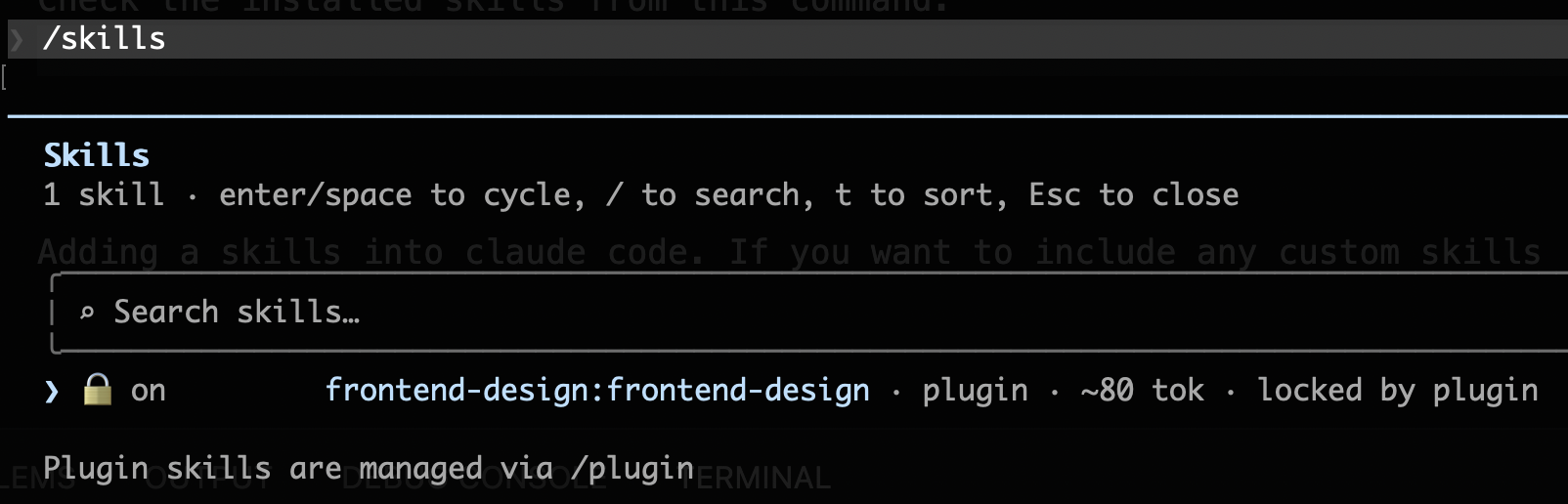
Check the installed skills with the /skills command.
How do you use the skills?
Skills can be triggered either automatically, by phrases in your prompt, or manually. For example, the frontend-design skill triggers automatically if your prompt includes phrases like “Design a settings panel with dark mode” or “Create a dashboard for a music streaming app”.
For manually triggering the skills: you can run
/{plugin}:{skill}