I always wanted a desktop app for improving my speaking skills. I liked the idea of speaking for one minute on a random topic without looking at any notes and without repeating myself. I got to know about this from a YouTube video . It’s also called JAM (Just a Minute). It was first popularized by the BBC Radio show .
I came across one app on macOS - JAM - AI Speaking Coach but it lacked some important features, such as recording a video (it supports only audio, so you can’t see yourself), no second take (it’s helpful to practice a second time after taking notes to see the improvement) and progress tracking.
It was a pain to record the video and then use a bunch of tools to get the transcript, and then push that to another tool for analysis — and to do all of that for two rounds of practice in a single session.
After getting frustrated for a couple of days, I decided to create the desktop app myself. Now, I’m no expert in desktop app development. Yes, I have experience with ReactJS, which I use actively, and a bit of React Native, which I used 5 years ago in one of my projects — but no real experience building cross-platform desktop applications.
I have the Claude Max plan and I hadn’t been using it for a while due to being busy with office work. At the same time, I wanted to create something for my daily use, so I took a leap of faith and started the project SAM (Speaking Mentor).
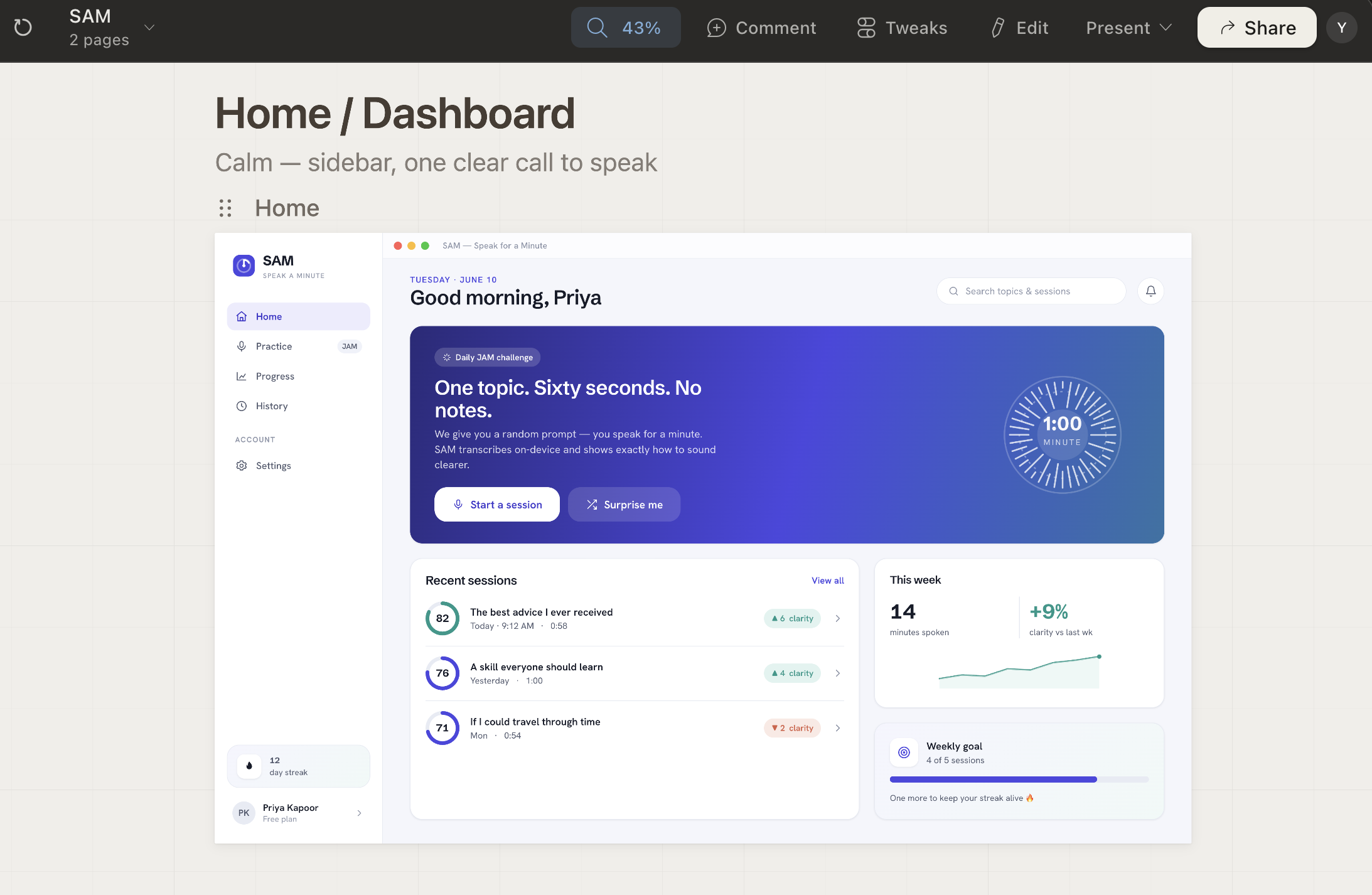
First I asked Claude Design to create beautiful mockups. I gave it a brief description of the app and the main features I wanted, and after a couple of iterations I got this result.

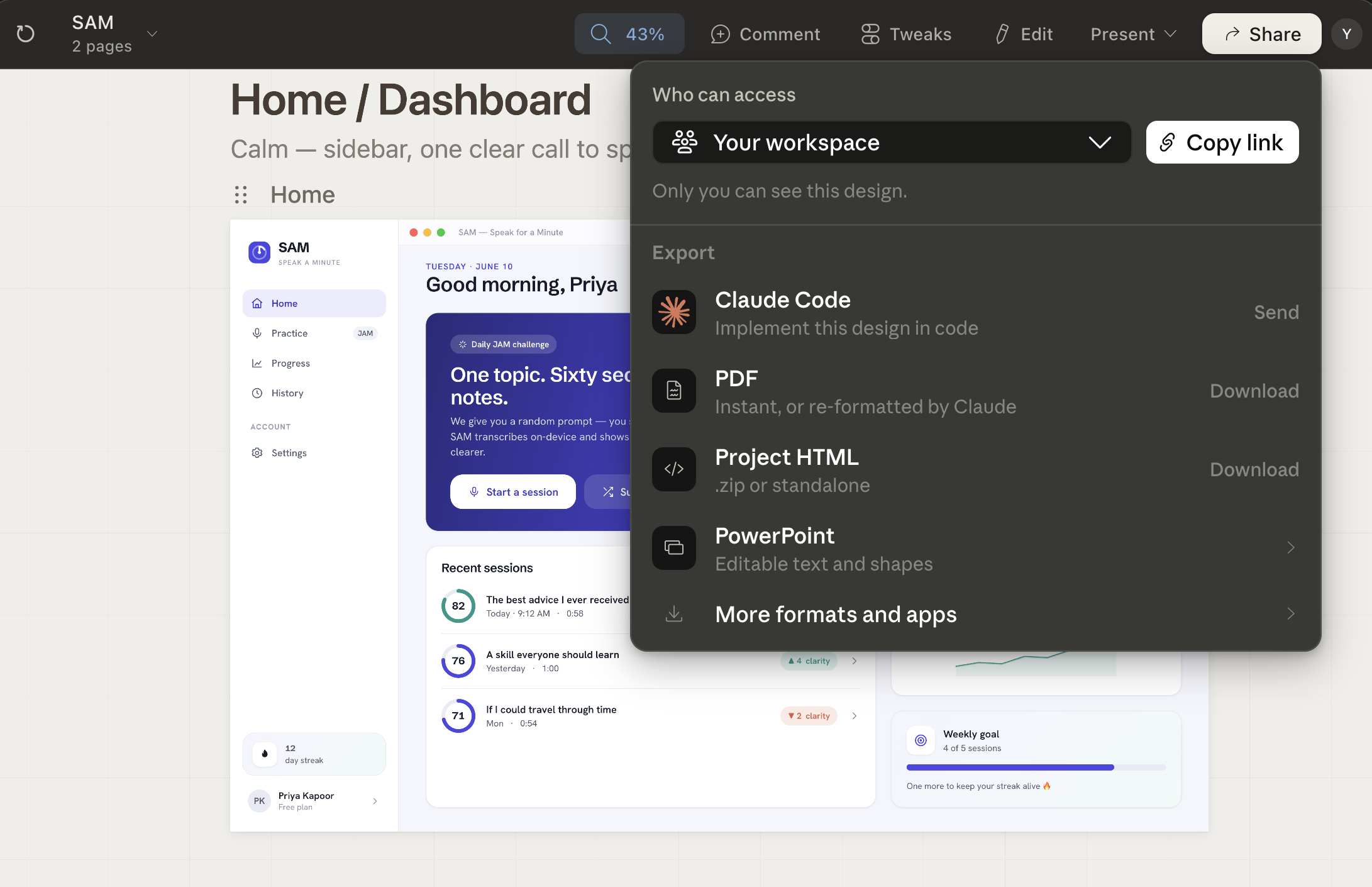
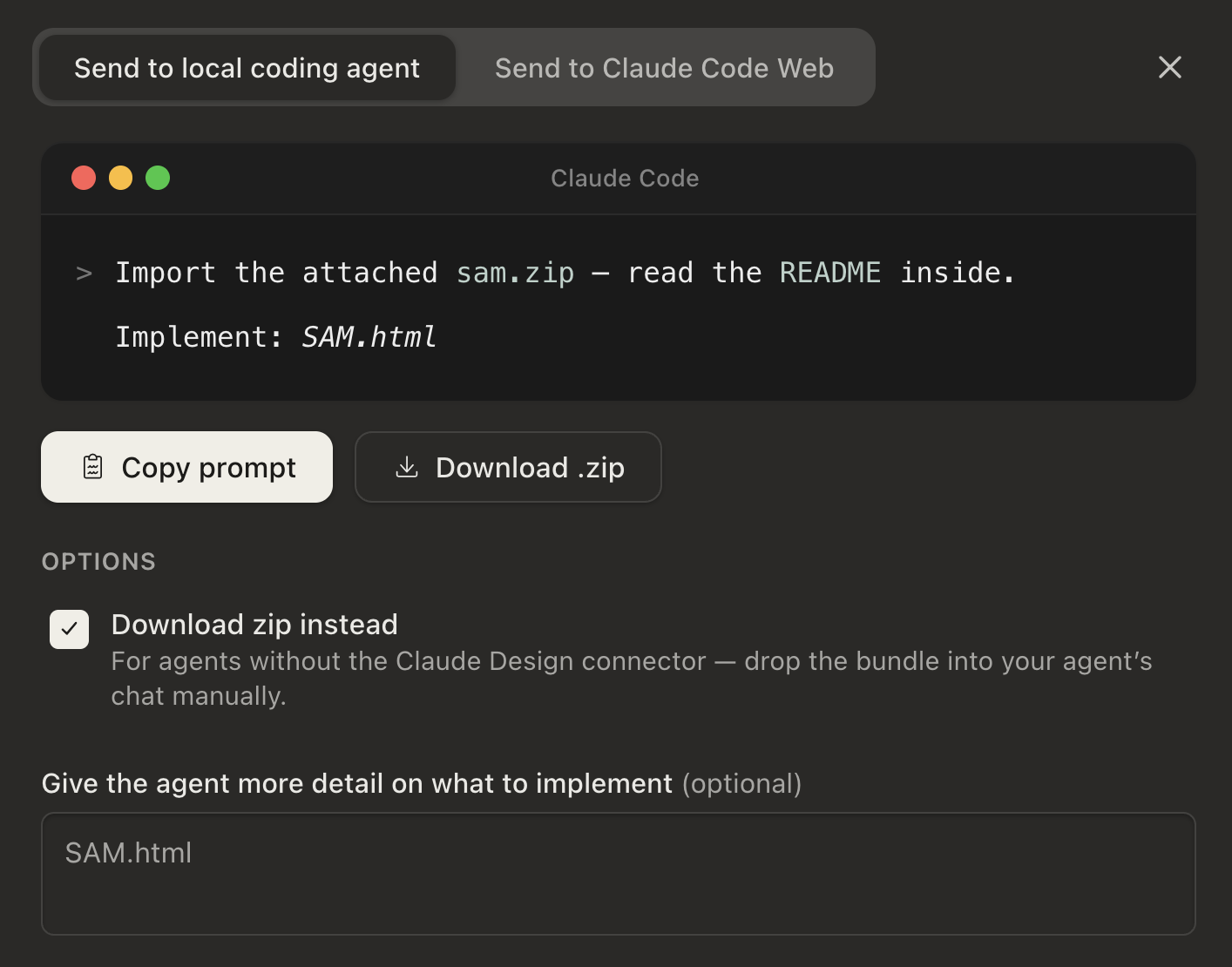
Then I handed the design over to Claude Code. I used the Download zip instead option. I copied the prompt and then placed the zip file in the SAM project directory.
I then launched claude code in bypass permission mode and started giving it prompts (continued in Part 2).